

Top up your balance.
Pay for your term in advance.
Choose a product and pay for its term from your balance. Your account shows when the product expires and how you can renew it.
Get hosting in three steps
- 01
Choose a product and term
Compare features and check the total price for your chosen term.
- 02
Top up balance
Add enough balance. Placing the order pays for the selected period.
- 03
Check renewal
Keep an eye on the expiry date, renewal price and balance in your account.
Your balance is separate from your product's term
Automatic balance top-ups and automatic product renewal are separate settings. Check your account to see which are enabled for you.
Act before expiry: Without renewal, your product is scheduled for deletion. Back up important data outside the product in good time. An additional grace period or recovery after deletion is not guaranteed.
Which product do you need?
Start with your intended use, then check the available configuration.
Manage products. Top up your balance.
Find your products, terms, balance, invoices and support tickets in your account.
Sign in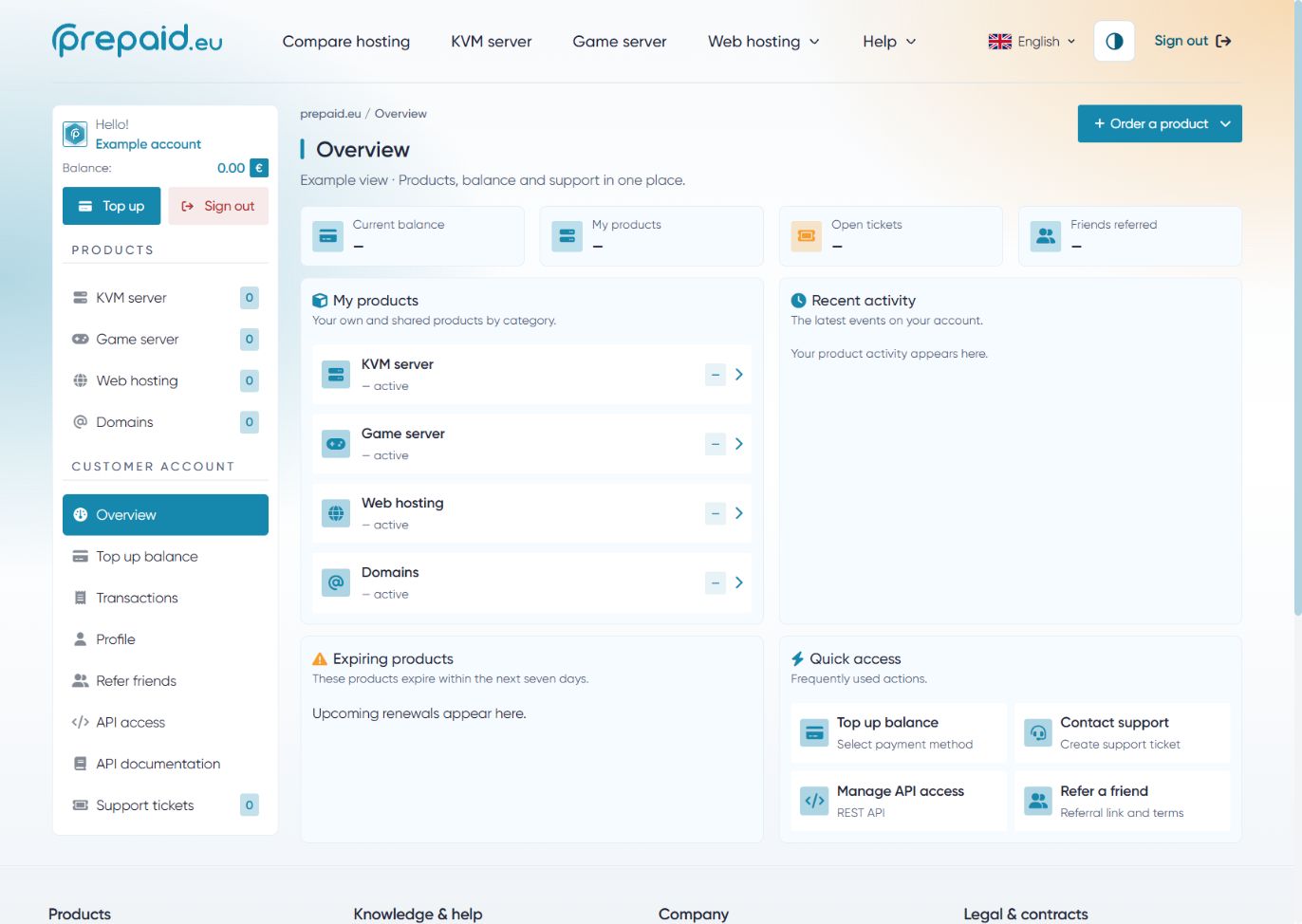
What to know before you start
Answers about your balance, renewal, technology and management.
What do I pay for with my balance?
You pay for your chosen product term in advance. The total is deducted from your balance when you order. For longer terms, a displayed monthly price is not the full amount payable immediately.
What happens if my balance is too low to place an order?
The order is not completed. First top up the missing amount, then check your chosen configuration and term again.
Does topping up renew my product?
Topping up and renewing a product are separate actions. Before the expiry date, check in your account whether your product renews manually or through enabled automatic renewal, and whether your balance is sufficient.
Which payment methods are available?
The payment methods page lists the available ways to top up. Any fees are shown before you complete the top-up.
Do I need technical knowledge?
Web hosting, domains and game servers offer a guided starting point. For a self-managed KVM server, you should be able to administer your chosen operating system.
Where can I see a product's location?
If a location can be selected or is fixed for an offer, it is shown in the product configuration before you order.
What happens if automatic renewal fails because of insufficient balance?
If your balance is insufficient, automatic renewal is disabled for the product. Top up in good time and renew the product manually before the displayed expiry date. A top-up alone does not extend the term.
What happens to my product and data after expiry?
If you do not renew in time, your product will be scheduled for deletion after its expiry date. There is no guaranteed additional grace period. For KVM servers, game servers and web hosting, stored data may also be lost. Back up important data outside the product before it expires; recovery after deletion is not guaranteed.
What happens to a domain at the end of its term?
Renew your domain or initiate any transfer well before it expires. Without renewal, the domain and its DNS zone will be scheduled for deletion, which may interrupt your website and email. Whether and how a domain can subsequently be restored or registered again depends on the extension and registry. Recovery is not guaranteed.
Compare products or check your term.
You can find your balance and renewal options in your account.